Skip to content
  • Categories
  • Recent
  • Tags
  • Popular
  • Users
  • Groups
  • Search
  • Get Qt Extensions
  • Unsolved
Collapse
Brand Logo
  1. Home
  2. Qt Development
  3. Qt Creator and other tools
  4. QtCreator 17.0.2 Font Issue in Qt Creator Documentation
Qt 6.11 is out! See what's new in the release blog

QtCreator 17.0.2 Font Issue in Qt Creator Documentation

Scheduled Pinned Locked Moved Unsolved Qt Creator and other tools
4 Posts 3 Posters 976 Views
  • Oldest to Newest
  • Newest to Oldest
  • Most Votes
Reply
  • Reply as topic
Log in to reply
This topic has been deleted. Only users with topic management privileges can see it.
  • D Offline
    D Offline
    Dany11
    wrote on last edited by Dany11
    #1

    Hi,

    It is a while I'm trying to fix this issue : the font in Qt Creator Documentation makes the documentation unreadable, I tried to change it via "Edit->Preference->Help> Font->Family without success.

    On Ubuntu 24.04.03 LTS , with the installer found on this website (BTW same issue with the qtcreator from Ubuntu)

    Some can help ?
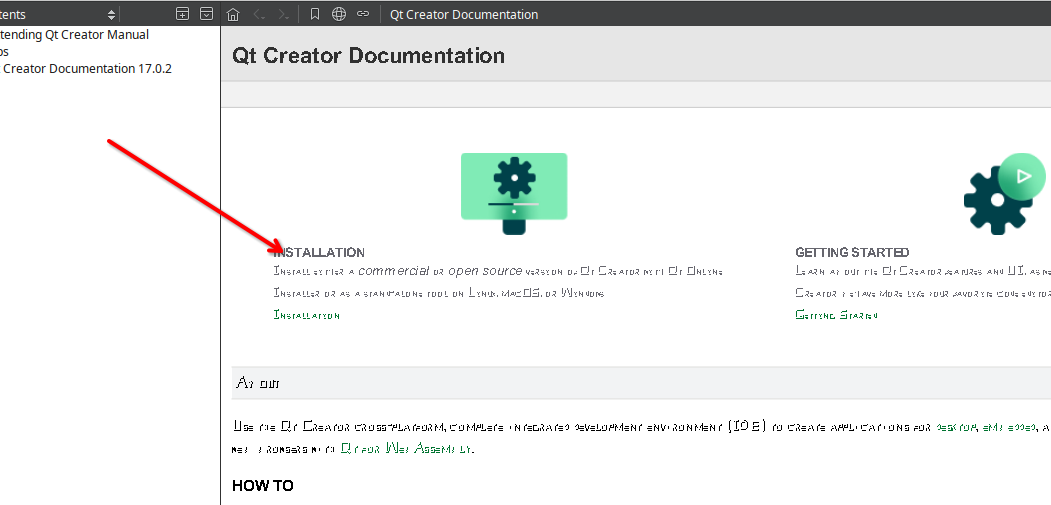
    qtcreator-17.0.2-help.png

    Thank you in advance,

    D.

    1 Reply Last reply
    0
    • cristian-adamC Offline
      cristian-adamC Offline
      cristian-adam
      wrote on last edited by
      #2

      On my Linux ubuntu-2404 6.8.0-85-generic #85-Ubuntu SMP PREEMPT_DYNAMIC Thu Sep 18 15:21:04 UTC 2025 aarch64 aarch64 aarch64 GNU/Linux it looks fine:

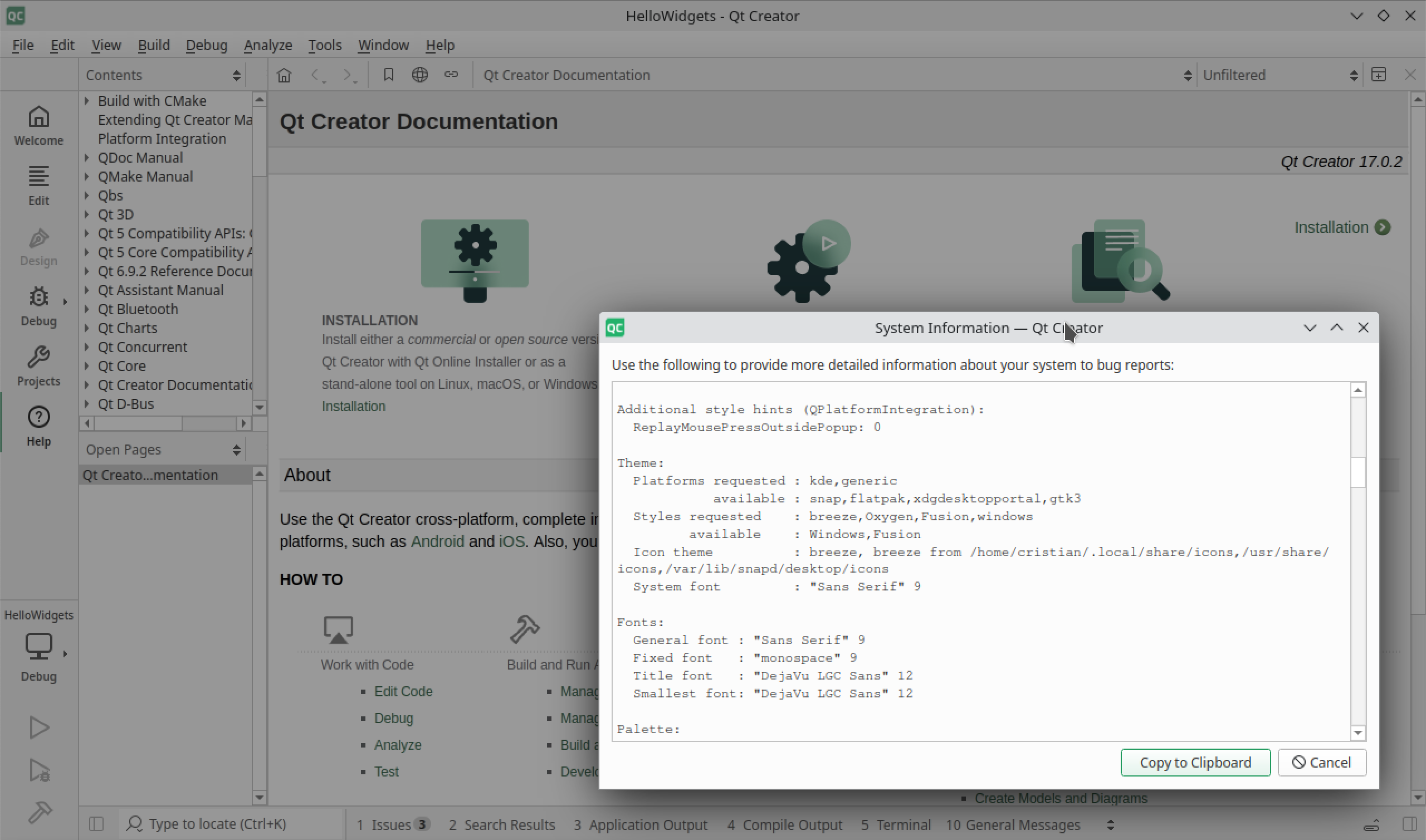
      qtcreator-17.0.2-linux.png

      But I'm running KDE.

      1 Reply Last reply
      1
      • Z Offline
        Z Offline
        ziller
        wrote on last edited by
        #3

        Looks fine here on Ubuntu 24.04 / ARM too.
        The font setting in the options is only the fallback font if the html page itself doesn't specify a font.
        The .css for the Qt Creator documentation sets

        font: normal 400 14px/1.2 Arial;
        font-family: Arial, Helvetica;
        

        on the whole, and Verdana at some other places. Maybe there is some weird font matching going on on your computer?

        1 Reply Last reply
        1
        • Z Offline
          Z Offline
          ziller
          wrote on last edited by
          #4

          You can check if switching to the "QTextBrowser" based backend makes a difference: Edit > Preferences > Help > General > Viewer Backend > QTextBrowser

          1 Reply Last reply
          1

          • Login

          • Login or register to search.
          • First post
            Last post
          0
          • Categories
          • Recent
          • Tags
          • Popular
          • Users
          • Groups
          • Search
          • Get Qt Extensions
          • Unsolved