
Skip to content
  • Categories
  • Recent
  • Tags
  • Popular
  • Users
  • Groups
  • Search
  • Get Qt Extensions
  • Unsolved
Collapse
Brand Logo
  1. Home
  2. Qt Development
  3. Mobile and Embedded
  4. Failed to install any packages in "SDK Manager" in Qt 6.6.1
Qt 6.11 is out! See what's new in the release blog

Failed to install any packages in "SDK Manager" in Qt 6.6.1

Scheduled Pinned Locked Moved Solved Mobile and Embedded
4 Posts 2 Posters 684 Views 2 Watching
  • Oldest to Newest
  • Newest to Oldest
  • Most Votes
Reply
  • Reply as topic
Log in to reply
This topic has been deleted. Only users with topic management privileges can see it.
  • 8Observer88 Offline
    8Observer88 Offline
    8Observer8
    wrote on last edited by 8Observer8
    #1

    Hi,

    "SDK Manager" cannot install any packages.

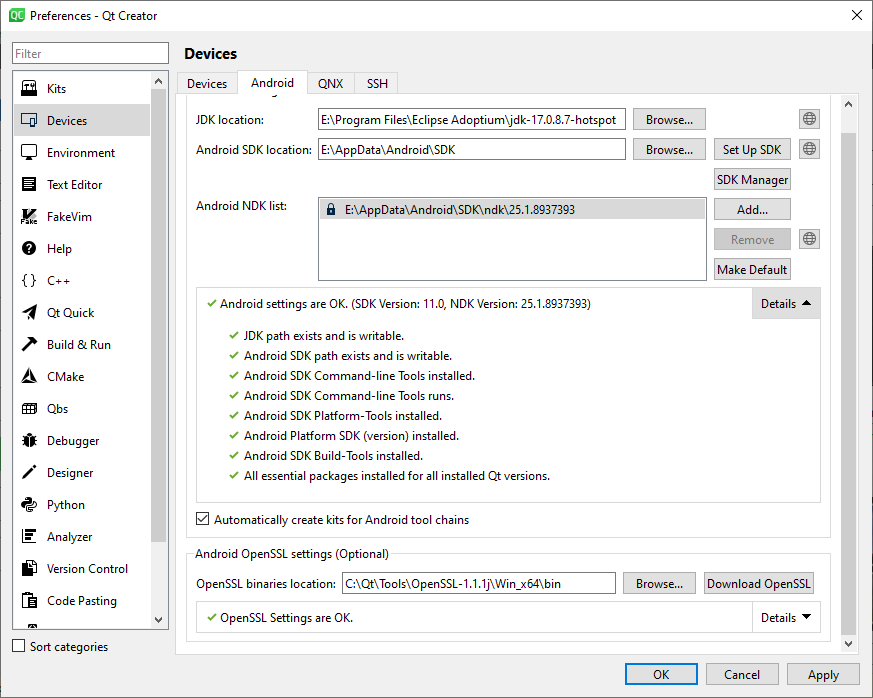
    How settings looks now:
    28091625-f3fa-4eff-95ed-d507f55f7f78-image.png

    I open "SDK Manager":

    2678ce0d-3316-4609-904a-e877787ccce3-image.png

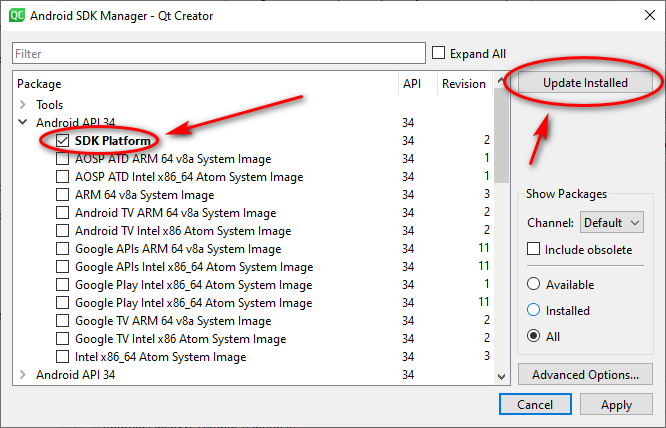
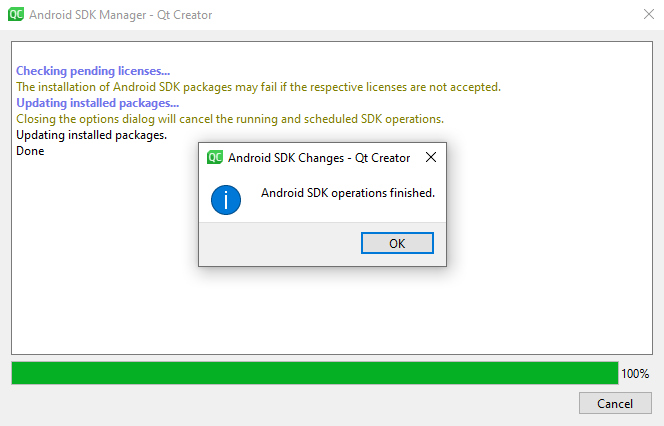
    I try to install "Android API 34" -> "SDK Platform":
    0025d0fe-2c6c-485b-ac5f-406480970354-image.png

    9d51dcf1-0e2e-48d3-a9fc-ad8f62266527-image.png

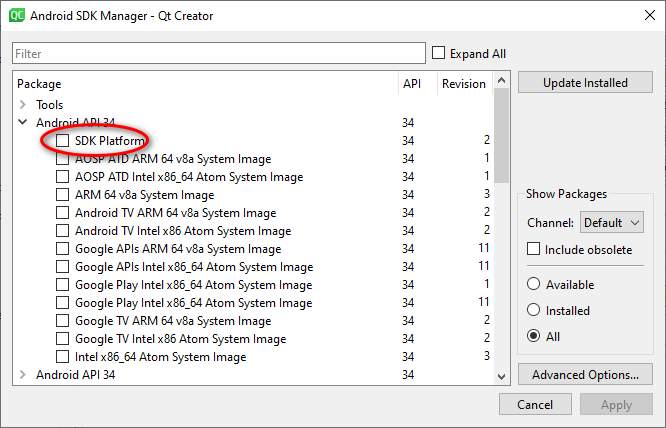
    But when I open "SDK Manager" again I don't see that "SDK Platform" was installed:

    ca768021-202e-4900-a6c0-8ac2fe632713-image.png

    sierdzioS 1 Reply Last reply
    0
    • 8Observer88 8Observer8

      Hi,

      "SDK Manager" cannot install any packages.

      How settings looks now:

      28091625-f3fa-4eff-95ed-d507f55f7f78-image.png

      I open "SDK Manager":

      2678ce0d-3316-4609-904a-e877787ccce3-image.png

      I try to install "Android API 34" -> "SDK Platform":
      0025d0fe-2c6c-485b-ac5f-406480970354-image.png

      9d51dcf1-0e2e-48d3-a9fc-ad8f62266527-image.png

      But when I open "SDK Manager" again I don't see that "SDK Platform" was installed:
      ca768021-202e-4900-a6c0-8ac2fe632713-image.png

      sierdzioS Offline
      sierdzioS Offline
      sierdzio
      Moderators
      wrote on last edited by
      #2

      @8Observer8 you want to install, not update. So don't click Update, click on Apply instead.

      (Z(:^

      8Observer88 1 Reply Last reply
      3
      • sierdzioS sierdzio

        @8Observer8 you want to install, not update. So don't click Update, click on Apply instead.

        8Observer88 Offline
        8Observer88 Offline
        8Observer8
        wrote on last edited by
        #3

        @sierdzio thank you very much!

        1 Reply Last reply
        0
        • 8Observer88 8Observer8 has marked this topic as solved on
        • 8Observer88 Offline
          8Observer88 Offline
          8Observer8
          wrote on last edited by 8Observer8
          #4

          My first application in Qt + OpenGL ES 2.0 that I built for Redmi 4X:
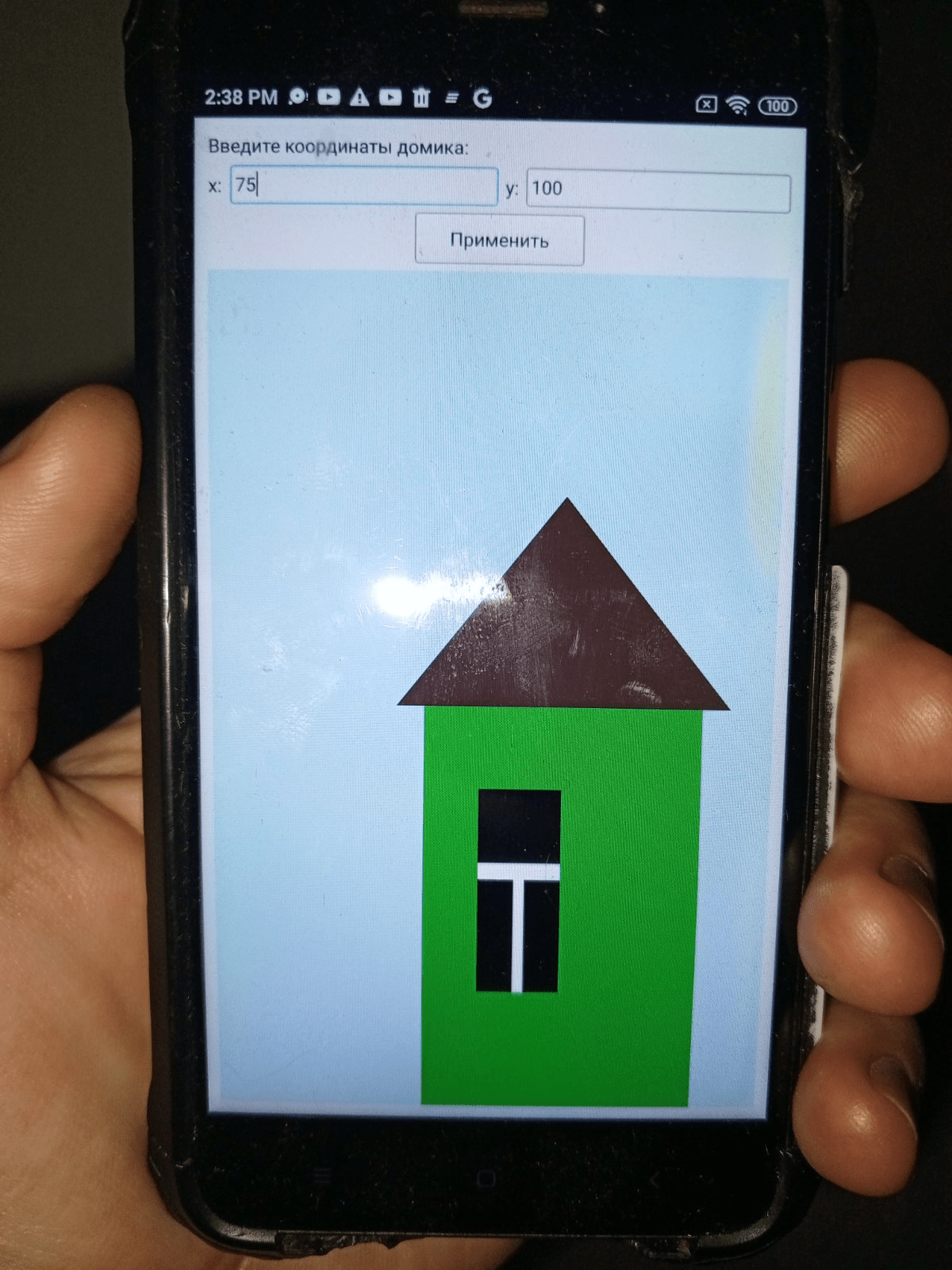
          house-2d-opengl21-qt6-cpp-redmi4x-min.png

          1 Reply Last reply
          1

          • Login

          • Login or register to search.
          • First post
            Last post
          0
          • Categories
          • Recent
          • Tags
          • Popular
          • Users
          • Groups
          • Search
          • Get Qt Extensions
          • Unsolved
