

Split-view of cam feeds QML
-
I want to see two camera feeds, or rather, multiple camera feeds, like a CCTV hub, on a single screen. I used the codes given in the Qt forum query titled: Multiple cameras QML. The code runs error-free but I'm not getting the feeds in split form instead they are getting overlapped. I am using Qt 5.15 on a Windows 10 64-bit machine and I have tried building using both minGW and MSVC2015 getting the same results.
The two codes are below:
CamCam.qmlimport QtQuick 2.14 import QtMultimedia 5.12 Item{ id:cameraWindow anchors.fill: parent signal closed property alias theID: camera.deviceId property alias backgroundColor: background.color property alias orientation: vo.orientation Rectangle{ id: background anchors.fill: parent color: "blue" } Camera{ id:camera } VideoOutput{ id: vo z:99 source: camera anchors.fill: parent } }main.qml
import QtQuick 2.12
import QtMultimedia 5.12
import QtQuick.Window 2.12
import QtQuick.Controls 2.15

Window {
visible: true
width: 1900
height: 1080
title: qsTr("CamHub")

Item{
        id: cameraLeft
        anchors.left: parent.left
        anchors.top: parent.top
        anchors.right: cameraRight.left
        anchors.bottom: parent.bottom
        clip: true
                CamCam{
                    theID: QtMultimedia.availableCameras[0].deviceId
                    backgroundColor: "red"
                }
        }

Item{
        id: cameraRight
        anchors.right: parent.right
        anchors.top: parent.top
        anchors.left: cameraLeft.right
        anchors.bottom: parent.bottom
        CamCam{
            theID: QtMultimedia.availableCameras[1].deviceId
            backgroundColor: "blue"

        }
    }
}
How I knew they are overlapping?
There are 2 images below. The first image is when I normally run it. The 2nd image is when I made a mistake in the 2nd half of the code (the one with blue background). Since the red background comes 1st in order hence it is always coming below the blue background. I might be wrong and hence any help would be great.
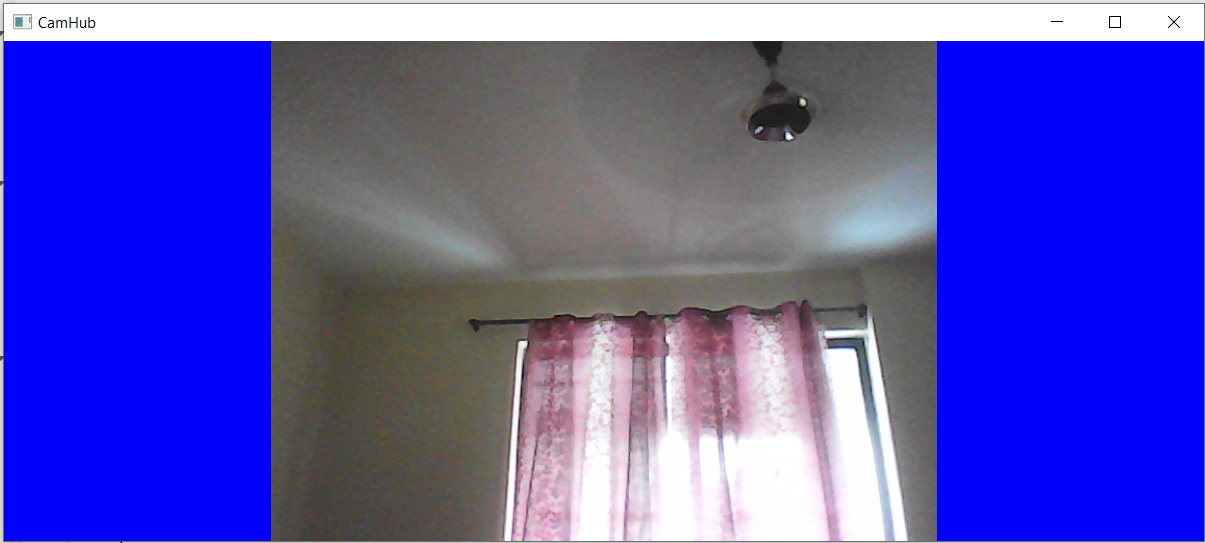
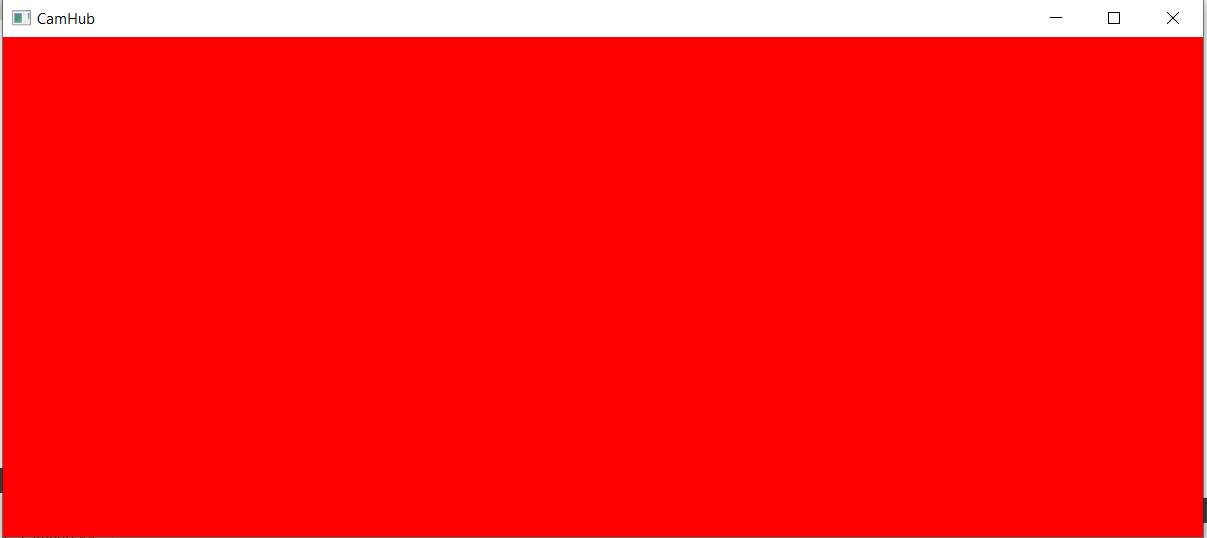
(I know there is no cam feed on the red background but trust me even when i connected the camera the same thing happens)
Thank you!
-
I want to see two camera feeds, or rather, multiple camera feeds, like a CCTV hub, on a single screen. I used the codes given in the Qt forum query titled: Multiple cameras QML. The code runs error-free but I'm not getting the feeds in split form instead they are getting overlapped. I am using Qt 5.15 on a Windows 10 64-bit machine and I have tried building using both minGW and MSVC2015 getting the same results.
The two codes are below:
CamCam.qmlimport QtQuick 2.14 import QtMultimedia 5.12 Item{ id:cameraWindow anchors.fill: parent signal closed property alias theID: camera.deviceId property alias backgroundColor: background.color property alias orientation: vo.orientation Rectangle{ id: background anchors.fill: parent color: "blue" } Camera{ id:camera } VideoOutput{ id: vo z:99 source: camera anchors.fill: parent } }main.qml
import QtQuick 2.12
import QtMultimedia 5.12
import QtQuick.Window 2.12
import QtQuick.Controls 2.15

Window {
visible: true
width: 1900
height: 1080
title: qsTr("CamHub")

Item{
        id: cameraLeft
        anchors.left: parent.left
        anchors.top: parent.top
        anchors.right: cameraRight.left
        anchors.bottom: parent.bottom
        clip: true
                CamCam{
                    theID: QtMultimedia.availableCameras[0].deviceId
                    backgroundColor: "red"
                }
        }

Item{
        id: cameraRight
        anchors.right: parent.right
        anchors.top: parent.top
        anchors.left: cameraLeft.right
        anchors.bottom: parent.bottom
        CamCam{
            theID: QtMultimedia.availableCameras[1].deviceId
            backgroundColor: "blue"

        }
    }
}
How I knew they are overlapping?
There are 2 images below. The first image is when I normally run it. The 2nd image is when I made a mistake in the 2nd half of the code (the one with blue background). Since the red background comes 1st in order hence it is always coming below the blue background. I might be wrong and hence any help would be great.
(I know there is no cam feed on the red background but trust me even when i connected the camera the same thing happens)
Thank you!
@Animesh452 Hi
Try adding a width and height to both cameras
width: parent.width * 0.5 height: parent.height -
@Animesh452 Hi
Try adding a width and height to both cameras
width: parent.width * 0.5 height: parent.height -
@johngod Hi mate Thanks for the reply.
I tried adding your snippet both inside and outside the CamCam class in main.qml but still got the same results. If I did anything wrong, please correct me. I am a beginner in Qt.Thanks!
@Animesh452 Hi
Like this should work, I got the red and blue rectangle properly aligned
Window { visible: true width: 1900 height: 1080 title: qsTr("CamHub") Item{ id: cameraLeft width: parent.width * 0.5 height: parent.height anchors.left: parent.left clip: true CamCam{ // theID: QtMultimedia.availableCameras[0].deviceId backgroundColor: "red" } } Item{ id: cameraRight width: parent.width * 0.5 height: parent.height anchors.right: parent.right CamCam{ backgroundColor: "blue" } } } -
@Animesh452 Hi
Like this should work, I got the red and blue rectangle properly aligned
Window { visible: true width: 1900 height: 1080 title: qsTr("CamHub") Item{ id: cameraLeft width: parent.width * 0.5 height: parent.height anchors.left: parent.left clip: true CamCam{ // theID: QtMultimedia.availableCameras[0].deviceId backgroundColor: "red" } } Item{ id: cameraRight width: parent.width * 0.5 height: parent.height anchors.right: parent.right CamCam{ backgroundColor: "blue" } } }@johngod A huge thanks buddy its works. I tried it with a USB cam and it works as intended.
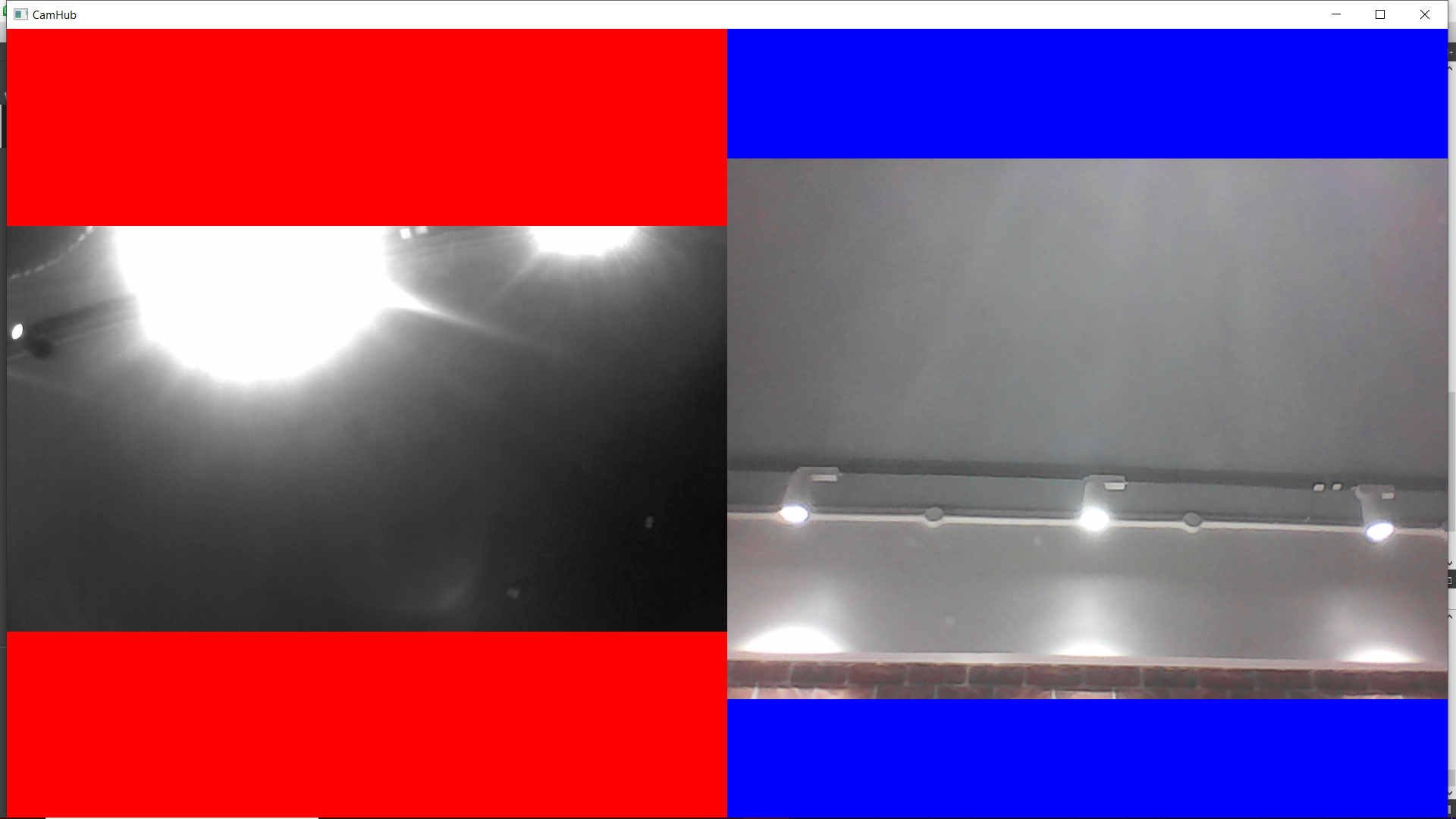
Here is a ss after I connected another camera.
Thanks a lot man!!!!I had another doubt like they aren't of the same size. So, can I resize the feeds using width and height or it depends on the camera I am using? Currently, one is an integrated laptop webcam while the other is a USB cam.
-
Hi,
The image aspect ratio usually depends on the camera you use. Some are 4:3 others 16:9. Some may even have several formats from which you can select one.
-
Hi,
The image aspect ratio usually depends on the camera you use. Some are 4:3 others 16:9. Some may even have several formats from which you can select one.
-
@SGaist Hello. How would I know if my camera has multiple formats I can select from? If you could mention the related functions and how they are used, that would be great.
Thanks!!
@Animesh452 you have to read the camera documentation.
-
@Animesh452 you have to read the camera documentation.
@SGaist Okay will do that thanks.
I also wanted to know if this can be done on Qt6. I tried but the problem I faced was the VideoOutput method in Qt6 didn't have a member called source, which was there in Qt5.15. So is there any way to do this split thing in Qt6? -
@SGaist Okay will do that thanks.
I also wanted to know if this can be done on Qt6. I tried but the problem I faced was the VideoOutput method in Qt6 didn't have a member called source, which was there in Qt5.15. So is there any way to do this split thing in Qt6?It's the other way around. You declare the output and then set it on the camera.
See the Camera QML type documentation.
-
A Animesh452 has marked this topic as solved on

