
QToolButton clicked signal emitted several times
-
@raven-worx said in QToolButton clicked signal emitted several times:
dont create it on the heap
Thank you for your answer !
- Ok so for the icon, I put that in the class constructor :
_iconButton = new QIcon();
_iconButton->addPixmap(QPixmap(":/icones/images/bouton-check-vert.png"),QIcon::Normal,QIcon::On);
_iconButton->addPixmap(QPixmap(":/icones/images/bouton-check-vide.png"),QIcon::Normal,QIcon::Off);
And how I did in the addItem() function :
button->setIcon(*_iconButton);But it doesn't change anything.
- Yes, the button is always added at the position (row: 0, column: gridLayout->columnCount()) of the gridLayout. But when a button is added, the gridLayout->columnCount() is incremented because for each item added in a gridLayout row, the column count should be incremeted.
-
@raven-worx said in QToolButton clicked signal emitted several times:
dont create it on the heap
Thank you for your answer !
- Ok so for the icon, I put that in the class constructor :
_iconButton = new QIcon();
_iconButton->addPixmap(QPixmap(":/icones/images/bouton-check-vert.png"),QIcon::Normal,QIcon::On);
_iconButton->addPixmap(QPixmap(":/icones/images/bouton-check-vide.png"),QIcon::Normal,QIcon::Off);
And how I did in the addItem() function :
button->setIcon(*_iconButton);But it doesn't change anything.
- Yes, the button is always added at the position (row: 0, column: gridLayout->columnCount()) of the gridLayout. But when a button is added, the gridLayout->columnCount() is incremented because for each item added in a gridLayout row, the column count should be incremeted.
@Match0um
ad 1) you are not supposed to usenew QIcon(heap/pointer) but just create it on the stack (QIcon())what does your showPhoto() method do? How does this slot know what photo show when each button calls the same slot?
--- SUPPORT REQUESTS VIA CHAT WILL BE IGNORED ---
If you have a question please use the forum so others can benefit from the solution in the future -
@Match0um
ad 1) you are not supposed to usenew QIcon(heap/pointer) but just create it on the stack (QIcon())what does your showPhoto() method do? How does this slot know what photo show when each button calls the same slot?
@raven-worx
Ok thank you for the precision !Here is the showPhoto() method :
void TabPhotos::showPhoto(){

    qDebug("ShowPhoto");
    QToolButton* button = qobject_cast<QToolButton*>(sender());
    button->blockSignals(true);

    ui->textEdit_commentaire->blockSignals(true);
    ui->lineEdit_titre->blockSignals(true);
    int index = ui->gridLayout_buttons->indexOf(button)-2;
    int old_index = ui->stackedWidget_photos->currentIndex();
    ui->stackedWidget_photos->setCurrentIndex(index);

    for(int i = 2; i<ui->gridLayout_buttons->columnCount()-2; i++){
        QToolButton* b = static_cast<QToolButton*>(ui->gridLayout_buttons->itemAt(i)->widget());
        if(i!=index+2){
            b->setChecked(false);
            qDebug()<<"emet signal";
            emit askChangePage(old_index);
            ui->label_titre->setText(_titres[index]);
            ui->lineEdit_titre->setText(_titres[index]);
            ui->label_commantaire->setText(_commentaires[index]);
            ui->textEdit_commentaire->setText(_commentaires[index]);
        }else{
            b->setChecked(true);
        }
    }

    ui->textEdit_commentaire->blockSignals(false);
    ui->lineEdit_titre->blockSignals(false);

    button->blockSignals(false);
}
How it looks like visually :
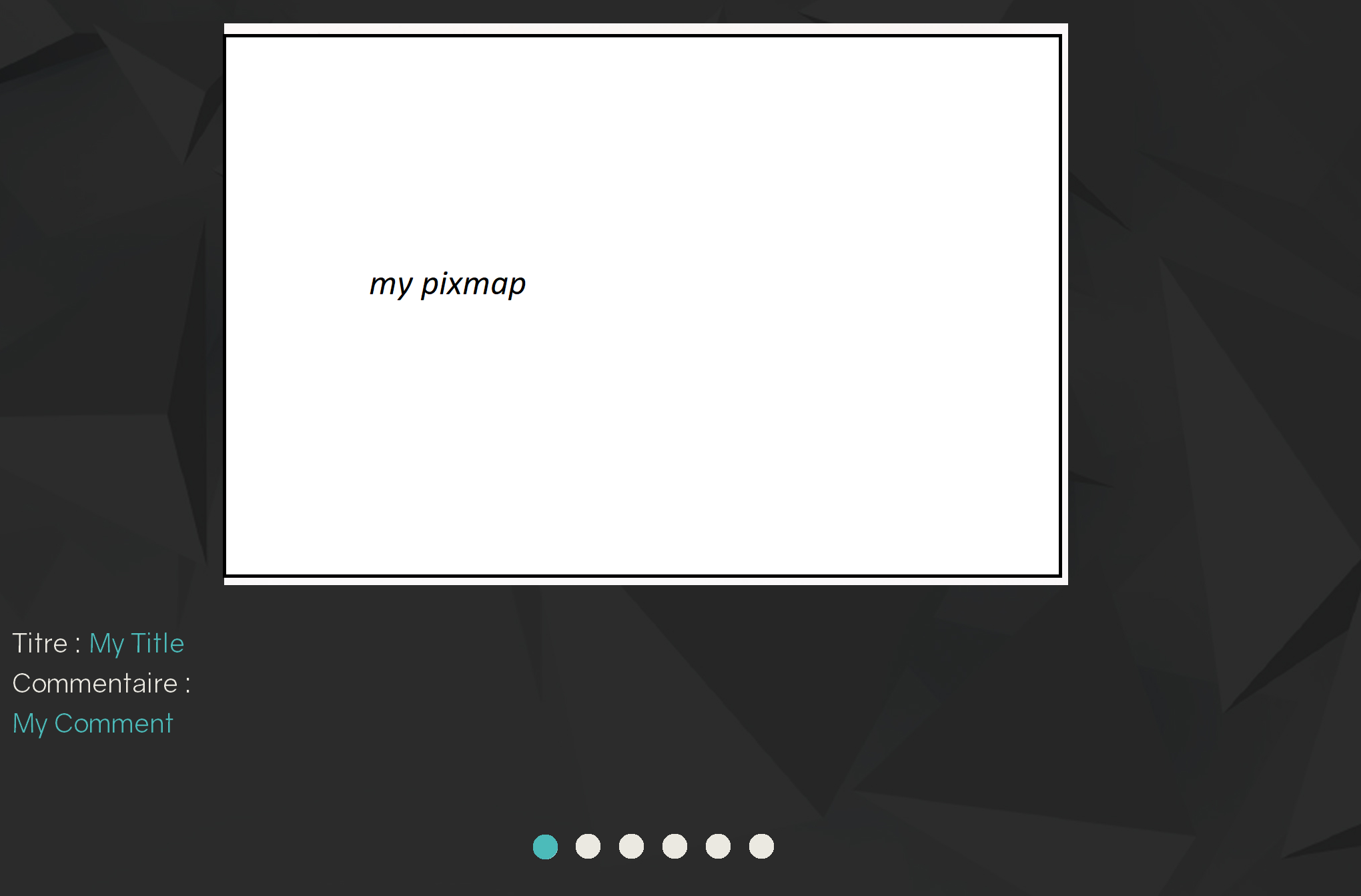
When you click on a button below, it shows the corresponding picture, title, and comment.
-
Hi,
Do you have any other connect statement in your code ? Or something else that calls that slot ?
Interested in AI ? www.idiap.ch
Please read the Qt Code of Conduct - https://forum.qt.io/topic/113070/qt-code-of-conduct -
Hi,
Do you have any other connect statement in your code ? Or something else that calls that slot ?
@SGaist Hi, this slot is called only in this connect statement in the addItem() method :
connect(button, SIGNAL(clicked()), this, SLOT(showPhoto()));
after creating the button.
The method addItem() is called several times (so several buttons are created and the connect statement is called several times too). -
Then please provide a minimal, compilable example so we can reproduce the issue.
-
@Match0um What is meant by
when I click on one of the buttons, the clicked signal is emitted more than one timeDoes on click of single button it prints "ShowPhoto" debug message more than once?
or
Are you taking about the "emet signal" debug message in the slot? which is printed multiple times? -
@Match0um What is meant by
when I click on one of the buttons, the clicked signal is emitted more than one timeDoes on click of single button it prints "ShowPhoto" debug message more than once?
or
Are you taking about the "emet signal" debug message in the slot? which is printed multiple times?@nagesh Hi, I mean that it prints "ShowPhoto" debug message more than once AND "emet signal" the same number of times. So it means that the slot showPhoto() is called several times. BUT it is only connected to the signal clicked() of each button of the UI. I ensure that this slot is not called somewhere else.
I tried to make a minimal example in order to provide something with the same behavior that you can test guys. But I am not able to reproduce the same issue, everything works well in my "minimal" example project. So I guess that the issue comes from the "big" project I am working on.
But I am a bit lost, the problematic slot showPhoto() is only connected to the buttons and is not called somewhere else in the code. It is like if the buttons where actually the same, or maybe a pointer issue.
-
Then reduce your code until the issue disappears or it's so minimal that we can take a look on it. Daily work for a programmer... :)


