Your browser does not seem to support JavaScript. As a result, your viewing experience will be diminished, and you have been placed in read-only mode.
Please download a browser that supports JavaScript, or enable it if it's disabled (i.e. NoScript).
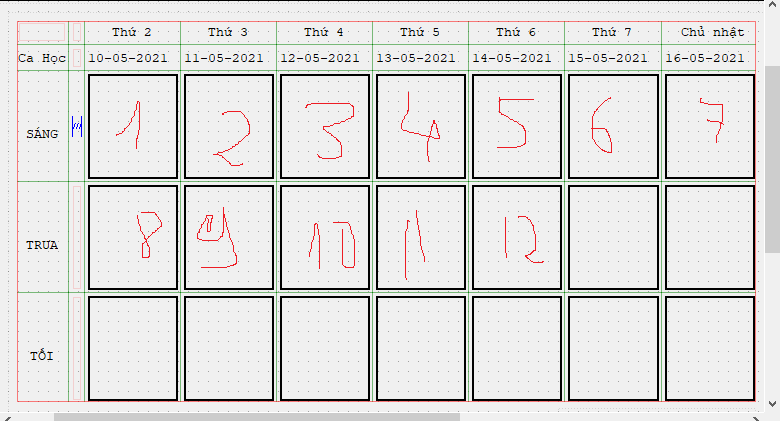
how can i access cell number 5 and set text with gridLayout ?
Hi You can use QLayoutItem *QGridLayout::itemAtPosition(int row, int column) const
Inside QLayoutItem is the widget. you must use qobject_cast to cast it to the right type to access its functions.