
Qt 6.11 is out! See what's new in the release
blog
QPrinter "mediaType" setting?
-
Hi
In Windows API's DEVMODE structure there is a "dmMediaType".
https://learn.microsoft.com/en-us/windows/win32/api/wingdi/ns-wingdi-devmodea
dmMediaType

Specifies the type of media being printed on. The member can be one of the following predefined values, or a driver-defined value greater than or equal to the value of DMMEDIA_USER.
Value 	Meaning
DMMEDIA_STANDARD 	Plain paper.
DMMEDIA_GLOSSY 	Glossy paper.
DMMEDIA_TRANSPARENCY 	Transparent film.


To retrieve a list of the available media types for a printer, use the DeviceCapabilities function with the DC_MEDIATYPES flag.
I can't find the equivalent get/set function in the QPrinter class.
Does anyone know how this can be configured when dealing with QPrinter to print jobs?
I need to set this programmatically and not make the user navigate to the Print Preferences dialog to change the setting per print job.
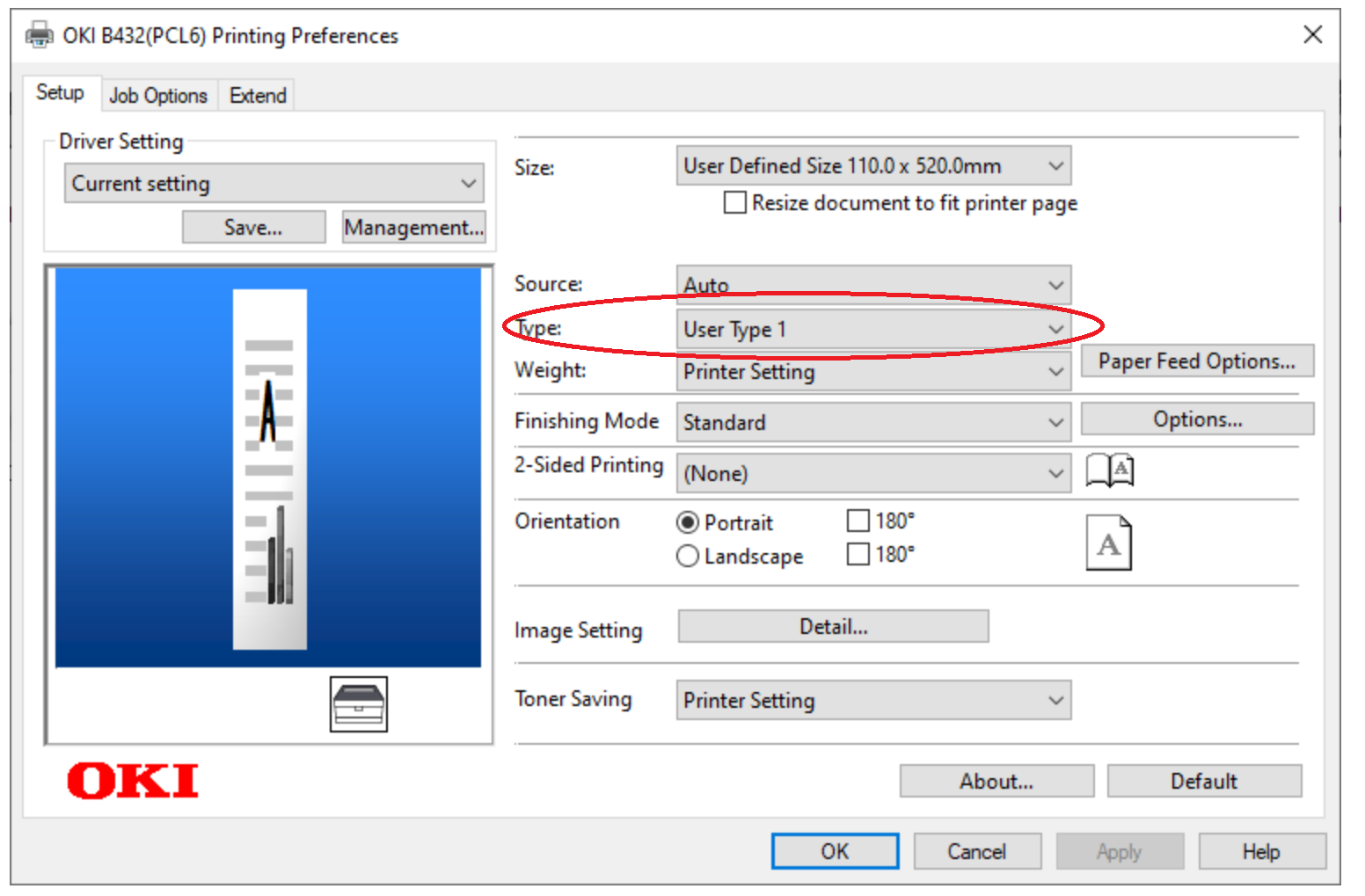
Many thanks in advance for anything that helps.