Skip to content
  • Categories
  • Recent
  • Tags
  • Popular
  • Users
  • Groups
  • Search
  • Get Qt Extensions
  • Unsolved
Collapse
Brand Logo
  1. Home
  2. Qt Development
  3. General and Desktop
  4. no image displayed in QML

no image displayed in QML

Scheduled Pinned Locked Moved Solved General and Desktop
6 Posts 3 Posters 614 Views 2 Watching
  • Oldest to Newest
  • Newest to Oldest
  • Most Votes
Reply
  • Reply as topic
Log in to reply
This topic has been deleted. Only users with topic management privileges can see it.
  • W Offline
    W Offline
    wiadro
    wrote on last edited by wiadro
    #1

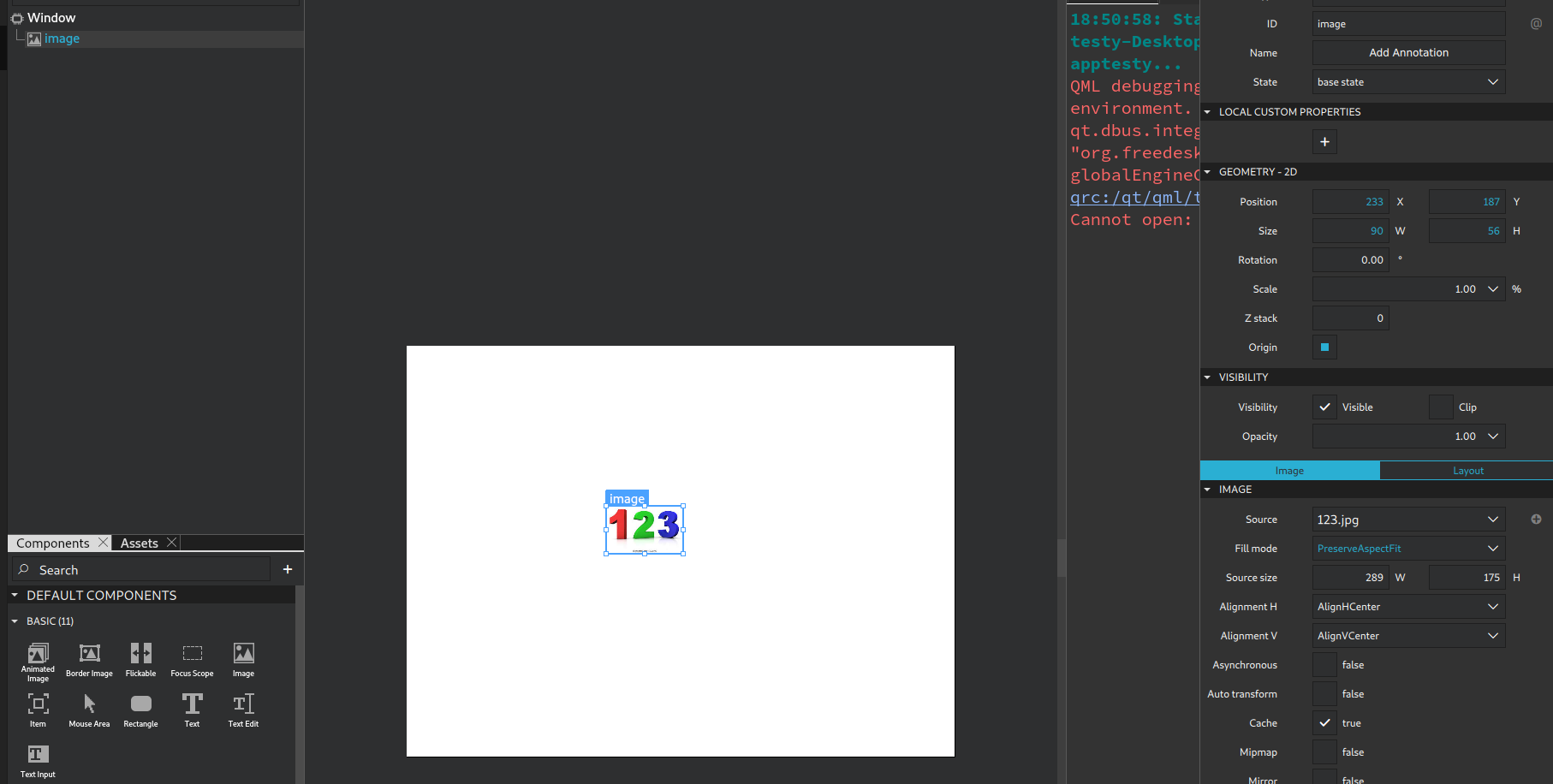
    The code below produces a few warning but builds and runs, any ideas why there is no image?

    import QtQuick
    import QtQuick.Window
    import QtQuick.Controls
    
    Window {
        width: 640
        height: 480
        visible: true
        title: qsTr("Hello World")
    
        Image {
            id: image
            x: 167
            y: 225
            width: 100
            height: 100
            source: ":/123.jpg"
            fillMode: Image.PreserveAspectFit
        }
    }
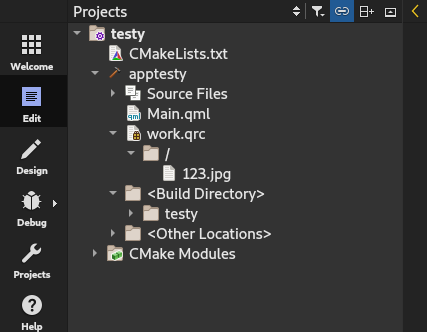
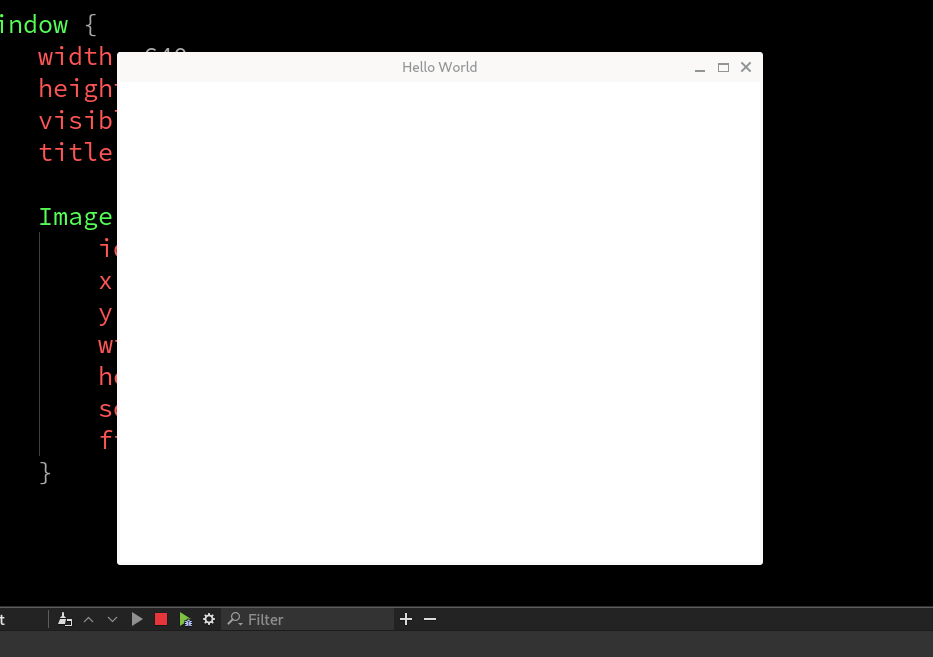


    62e2186f-b26f-4ffe-ae42-6b0547fbd212-image.png

    57b71359-63f8-4297-9370-6865f66db095-image.png

    e0722979-686b-46bd-b105-45ca877acde2-image.png

    any insights on what i could be doing wrong here?

    sierdzioS 1 Reply Last reply
    0
    • W wiadro

      @sierdzio said in no image displayed in QML:

      source: "qrc://123.jpg"

      tried both, they dont work , aboslute path has no effect aswell

      JoeCFDJ Offline
      JoeCFDJ Offline
      JoeCFD
      wrote on last edited by JoeCFD
      #5

      @wiadro someone mentioned this before. I forgot who. Add:
      set(CMAKE_AUTORCC ON)
      in your cmake after qt is found.
      RCC is not set by qt_standard_project_setup from here
      https://doc.qt.io/qt-6/qt-standard-project-setup.html

      W 1 Reply Last reply
      2
      • W wiadro

        The code below produces a few warning but builds and runs, any ideas why there is no image?

        import QtQuick
        import QtQuick.Window
        import QtQuick.Controls
        
        Window {
            width: 640
            height: 480
            visible: true
            title: qsTr("Hello World")
        
            Image {
                id: image
                x: 167
                y: 225
                width: 100
                height: 100
                source: ":/123.jpg"
                fillMode: Image.PreserveAspectFit
            }
        }


        62e2186f-b26f-4ffe-ae42-6b0547fbd212-image.png

        57b71359-63f8-4297-9370-6865f66db095-image.png

        e0722979-686b-46bd-b105-45ca877acde2-image.png

        any insights on what i could be doing wrong here?

        sierdzioS Offline
        sierdzioS Offline
        sierdzio
        Moderators
        wrote on last edited by
        #2

        @wiadro said in no image displayed in QML:

        source: ":/123.jpg"

        Try source: "qrc://123.jpg" or source: "://123.jpg".

        How do you add QRC in CMakeFiles.txt?

        (Z(:^

        W 2 Replies Last reply
        0
        • sierdzioS sierdzio

          @wiadro said in no image displayed in QML:

          source: ":/123.jpg"

          Try source: "qrc://123.jpg" or source: "://123.jpg".

          How do you add QRC in CMakeFiles.txt?

          W Offline
          W Offline
          wiadro
          wrote on last edited by
          #3

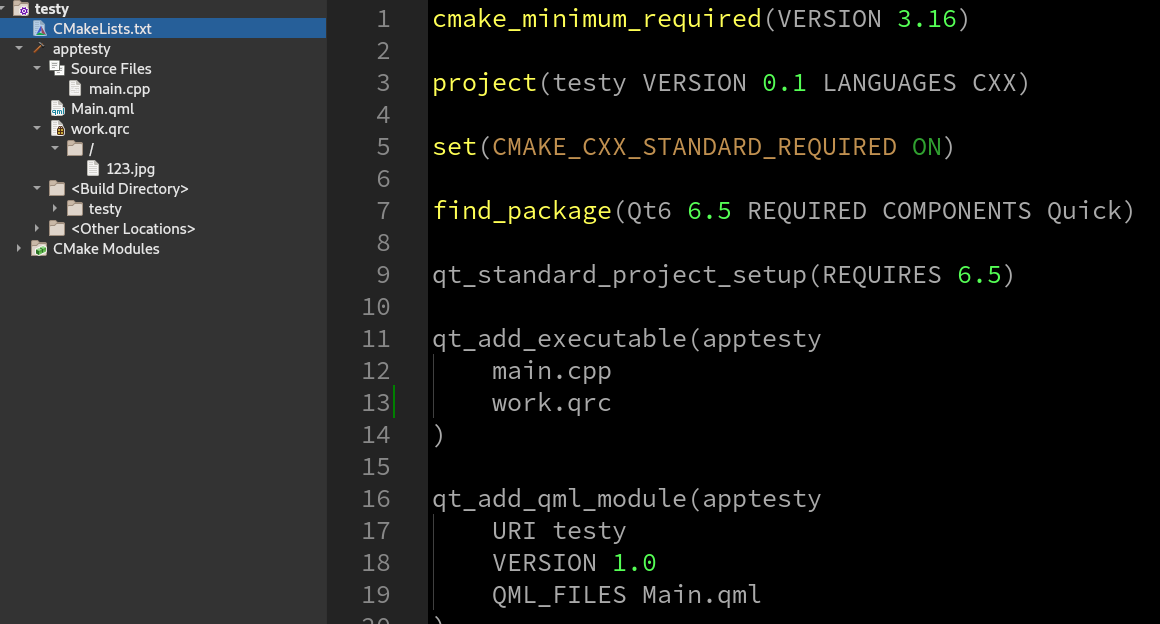
          @sierdzio i added it here like so 60f96e88-d242-4ad2-ac6d-0871b03d80ec-image.png

          1 Reply Last reply
          0
          • sierdzioS sierdzio

            @wiadro said in no image displayed in QML:

            source: ":/123.jpg"

            Try source: "qrc://123.jpg" or source: "://123.jpg".

            How do you add QRC in CMakeFiles.txt?

            W Offline
            W Offline
            wiadro
            wrote on last edited by
            #4

            @sierdzio said in no image displayed in QML:

            source: "qrc://123.jpg"

            tried both, they dont work , aboslute path has no effect aswell

            JoeCFDJ 1 Reply Last reply
            0
            • W wiadro

              @sierdzio said in no image displayed in QML:

              source: "qrc://123.jpg"

              tried both, they dont work , aboslute path has no effect aswell

              JoeCFDJ Offline
              JoeCFDJ Offline
              JoeCFD
              wrote on last edited by JoeCFD
              #5

              @wiadro someone mentioned this before. I forgot who. Add:
              set(CMAKE_AUTORCC ON)
              in your cmake after qt is found.
              RCC is not set by qt_standard_project_setup from here
              https://doc.qt.io/qt-6/qt-standard-project-setup.html

              W 1 Reply Last reply
              2
              • JoeCFDJ JoeCFD

                @wiadro someone mentioned this before. I forgot who. Add:
                set(CMAKE_AUTORCC ON)
                in your cmake after qt is found.
                RCC is not set by qt_standard_project_setup from here
                https://doc.qt.io/qt-6/qt-standard-project-setup.html

                W Offline
                W Offline
                wiadro
                wrote on last edited by
                #6

                @JoeCFD it worked man, thank you... why the ..... is this not in the documentation? i checked the qml image and didnt find anything https://doc.qt.io/qt-6/qml-qtquick-image.html

                1 Reply Last reply
                0
                • W wiadro has marked this topic as solved on

                • Login

                • Login or register to search.
                • First post
                  Last post
                0
                • Categories
                • Recent
                • Tags
                • Popular
                • Users
                • Groups
                • Search
                • Get Qt Extensions
                • Unsolved