Skip to content
  • Categories
  • Recent
  • Tags
  • Popular
  • Users
  • Groups
  • Search
  • Get Qt
  • Unsolved
Collapse
Brand Logo
  1. Home
  2. Qt Development
  3. General and Desktop
  4. how do i perform autoscroll in QTablewidget ? so it'll scroll down to bottom with a constant speed
Qt 6.12 LTS is out! See what's new in the release blog

how do i perform autoscroll in QTablewidget ? so it'll scroll down to bottom with a constant speed

Scheduled Pinned Locked Moved Solved General and Desktop
13 Posts 6 Posters 3.8k Views 3 Watching
  • Oldest to Newest
  • Newest to Oldest
  • Most Votes
Reply
  • Reply as topic
Log in to reply
This topic has been deleted. Only users with topic management privileges can see it.
  • R Offline
    R Offline
    Redho B N
    wrote on last edited by
    #3

    yea exactly like that, im gonna try that thanks

    1 Reply Last reply
    0
    • R Offline
      R Offline
      Redho B N
      wrote on last edited by
      #4

      just to make it clear i want the table scroll down as its own just like a movie credit

      0_1553064512551_67bacff8-99ac-47dc-89f4-32d5c2bec977-image.png

      1 Reply Last reply
      0
      • F Offline
        F Offline
        farhanrbn
        wrote on last edited by
        #5
        This post is deleted!
        1 Reply Last reply
        0
        • mrjjM Offline
          mrjjM Offline
          mrjj
          Lifetime Qt Champion
          wrote on last edited by
          #6

          Hi
          Fast test
          i have
          ui->listWidget->setVerticalScrollMode(QAbstractItemView::ScrollPerPixel);
          on.

          void MainWindow::on_pushButton_released(){
          
              auto timer = new QTimer(this);
              connect(timer, &QTimer::timeout, this, [this](){
                  auto bar = ui->listWidget->verticalScrollBar();
                  bar->setValue( bar->value() + 1 );
              });
          
             timer->start(100);
          }
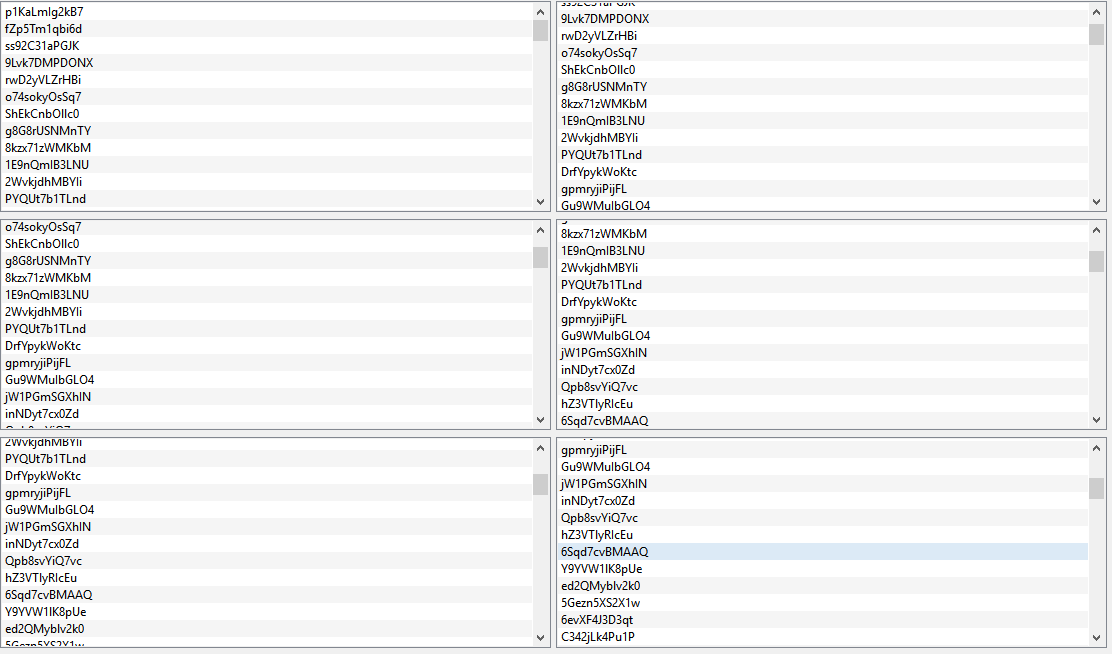
          

          alt text

          1 Reply Last reply
          4
          • VRoninV Offline
            VRoninV Offline
            VRonin
            wrote on last edited by
            #7

            What about https://doc.qt.io/qt-5/qpropertyanimation.html ?

            void MainWindow::on_pushButton_released(){
            auto anim = new QPropertyAnimation(ui->listWidget->verticalScrollBar(),"value",this);
            anim ->setDuration(10000);
            anim->setStartValue(ui->listWidget->verticalScrollBar()->value());
            anim->setEndValue(ui->listWidget->verticalScrollBar()->maximum());
            connect(anim,&QAbstractAnimation::finished,anim,&QObject::deleteLater);
            anim->start();
            }
            

            "La mort n'est rien, mais vivre vaincu et sans gloire, c'est mourir tous les jours"
            ~Napoleon Bonaparte

            On a crusade to banish setIndexWidget() from the holy land of Qt

            mrjjM 1 Reply Last reply
            5
            • VRoninV VRonin

              What about https://doc.qt.io/qt-5/qpropertyanimation.html ?

              void MainWindow::on_pushButton_released(){
              auto anim = new QPropertyAnimation(ui->listWidget->verticalScrollBar(),"value",this);
              anim ->setDuration(10000);
              anim->setStartValue(ui->listWidget->verticalScrollBar()->value());
              anim->setEndValue(ui->listWidget->verticalScrollBar()->maximum());
              connect(anim,&QAbstractAnimation::finished,anim,&QObject::deleteLater);
              anim->start();
              }
              
              mrjjM Offline
              mrjjM Offline
              mrjj
              Lifetime Qt Champion
              wrote on last edited by
              #8

              @VRonin
              That actually runs nicer :)
              alt text

              1 Reply Last reply
              1
              • R Offline
                R Offline
                Redho B N
                wrote on last edited by Redho B N
                #9

                @VRonin @mrjj WOW THANKS THATS EXACTLY LIKE I NEEDED THANKS A LOTT!!
                oh yea and one more thing i've tried to make it loopin ands make it scroll to the top again by puttin theese lines after the anim->start();
                if (tableWidget->verticalScrollBar()->maximum())
                {
                tableWidget->verticalScrollBar()->setSliderPosition(tableWidget->verticalScrollBar()->minimum());

                }
                but it wont loopin am i wrong to put that there?

                1 Reply Last reply
                0
                • hskoglundH Offline
                  hskoglundH Offline
                  hskoglund
                  wrote on last edited by
                  #10

                  Hi, when the animation stops at the bottom it's deleted, so if you want to loop it, you need to create/new up another one by doing all the steps again:

                  auto anim = new QPropertyAnimation(ui->listWidget->verticalScrollBar(),"value",this);
                  anim ->setDuration(10000);
                  ... etc etc
                  
                  R 1 Reply Last reply
                  1
                  • hskoglundH hskoglund

                    Hi, when the animation stops at the bottom it's deleted, so if you want to loop it, you need to create/new up another one by doing all the steps again:

                    auto anim = new QPropertyAnimation(ui->listWidget->verticalScrollBar(),"value",this);
                    anim ->setDuration(10000);
                    ... etc etc
                    
                    R Offline
                    R Offline
                    Redho B N
                    wrote on last edited by
                    #11

                    @hskoglund so i need to to write thoose line again in order to make it loop?
                    and it will lopp as much as i write it or something like that?

                    1 Reply Last reply
                    0
                    • VRoninV Offline
                      VRoninV Offline
                      VRonin
                      wrote on last edited by VRonin
                      #12

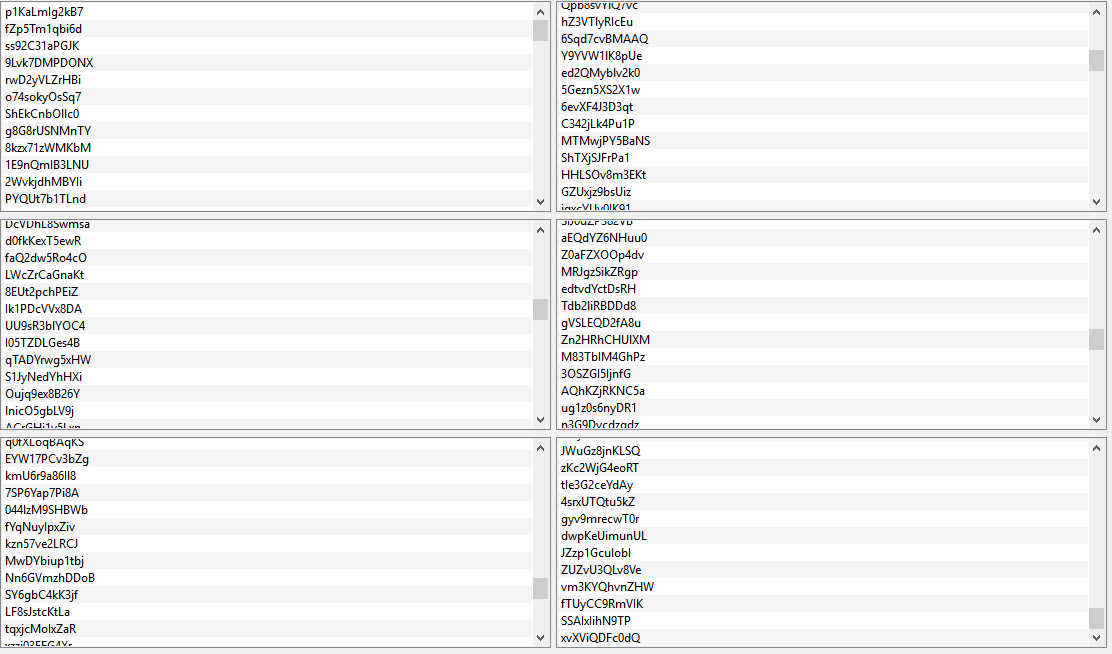
                      scroll to the top with animation:

                      void MainWindow::on_pushButton_released(){
                          auto anim = new QPropertyAnimation(ui->listWidget->verticalScrollBar(),"value",this);
                          anim ->setDuration(10000);
                          anim->setStartValue(ui->listWidget->verticalScrollBar()->value());
                          anim->setEndValue(ui->listWidget->verticalScrollBar()->maximum());
                          bool* once =new bool(true);
                          connect(anim,&QAbstractAnimation::finished,[anim,this,once]()->void{
                          if(!once) 
                              return;
                              *once=false;
                              anim->setStartValue(ui->listWidget->verticalScrollBar()->value());
                              anim->setEndValue(ui->listWidget->verticalScrollBar()->minimum());
                              connect(anim,&QAbstractAnimation::finished,anim,&QObject::deleteLater);
                              connect(anim,&QAbstractAnimation::finished,anim,[once](){delete once;});
                              anim->start();
                          });
                          anim->start();
                      }
                      

                      Scroll to the top immediately

                      void MainWindow::on_pushButton_released(){
                          auto anim = new QPropertyAnimation(ui->listWidget->verticalScrollBar(),"value",this);
                          anim ->setDuration(10000);
                          anim->setStartValue(ui->listWidget->verticalScrollBar()->value());
                          anim->setEndValue(ui->listWidget->verticalScrollBar()->maximum());
                          connect(anim,&QAbstractAnimation::finished, ui->listWidget->verticalScrollBar(),std::bind(&QScrollBar::setValue,ui->listWidget->verticalScrollBar(),ui->listWidget->verticalScrollBar()->minimum()));
                          connect(anim,&QAbstractAnimation::finished,anim,&QObject::deleteLater);
                          anim->start();
                      }
                      

                      "La mort n'est rien, mais vivre vaincu et sans gloire, c'est mourir tous les jours"
                      ~Napoleon Bonaparte

                      On a crusade to banish setIndexWidget() from the holy land of Qt

                      R 1 Reply Last reply
                      4
                      • VRoninV VRonin

                        scroll to the top with animation:

                        void MainWindow::on_pushButton_released(){
                            auto anim = new QPropertyAnimation(ui->listWidget->verticalScrollBar(),"value",this);
                            anim ->setDuration(10000);
                            anim->setStartValue(ui->listWidget->verticalScrollBar()->value());
                            anim->setEndValue(ui->listWidget->verticalScrollBar()->maximum());
                            bool* once =new bool(true);
                            connect(anim,&QAbstractAnimation::finished,[anim,this,once]()->void{
                            if(!once) 
                                return;
                                *once=false;
                                anim->setStartValue(ui->listWidget->verticalScrollBar()->value());
                                anim->setEndValue(ui->listWidget->verticalScrollBar()->minimum());
                                connect(anim,&QAbstractAnimation::finished,anim,&QObject::deleteLater);
                                connect(anim,&QAbstractAnimation::finished,anim,[once](){delete once;});
                                anim->start();
                            });
                            anim->start();
                        }
                        

                        Scroll to the top immediately

                        void MainWindow::on_pushButton_released(){
                            auto anim = new QPropertyAnimation(ui->listWidget->verticalScrollBar(),"value",this);
                            anim ->setDuration(10000);
                            anim->setStartValue(ui->listWidget->verticalScrollBar()->value());
                            anim->setEndValue(ui->listWidget->verticalScrollBar()->maximum());
                            connect(anim,&QAbstractAnimation::finished, ui->listWidget->verticalScrollBar(),std::bind(&QScrollBar::setValue,ui->listWidget->verticalScrollBar(),ui->listWidget->verticalScrollBar()->minimum()));
                            connect(anim,&QAbstractAnimation::finished,anim,&QObject::deleteLater);
                            anim->start();
                        }
                        
                        R Offline
                        R Offline
                        Redho B N
                        wrote on last edited by
                        #13

                        @VRonin WOW YOURE A GOD!!! THNX ALOTT!!!

                        1 Reply Last reply
                        0

                        • Login

                        • Login or register to search.
                        • First post
                          Last post
                        0
                        • Categories
                        • Recent
                        • Tags
                        • Popular
                        • Users
                        • Groups
                        • Search
                        • Get Qt
                        • Unsolved