
Graphic glitch when changing layoutDirection
-
I have a qml project for MacOS. There is a frameless window where I have a big rectangle (mainView) with main functions and a small rectangle (expandRect) on a side which is used to drag the window so it can stick to one side of the screen or another.
I need the main rectangle always to stick to the screen side so I'm changing mainLayout.layoutDirection.import QtQuick import QtQuick.Controls import QtQuick.Layouts import QtQuick.Window ApplicationWindow { id: browserWindow enum Side { Left, Right } property int currentSide: Main.Side.Right width: 432 height: screen.desktopAvailableHeight visible: true flags: Qt.Window | Qt.FramelessWindowHint color: "transparent" Component.onCompleted: { stickToRight() } RowLayout { id: mainLayout anchors.fill: parent Rectangle { id: expandRect Layout.preferredWidth: 40 Layout.preferredHeight: width radius: 7 y: (parent.height - height) * 0.25 MouseArea { anchors.fill: parent DragHandler { onActiveChanged: { if (active && !browserWindow.minimized) startSystemMove() if (x > screen.desktopAvailableWidth / 2) stickToRight() else stickToLeft() } } } } Rectangle { id: mainView Layout.fillWidth: true Layout.fillHeight: true radius: 7 } } onCurrentSideChanged: { if (currentSide === Main.Side.Right) { console.log("Side changed to right") mainLayout.layoutDirection = Qt.LeftToRight } if (currentSide === Main.Side.Left) { console.log("Side changed to left") mainLayout.layoutDirection = Qt.RightToLeft browserWindow.width-- browserWindow.width++ } // to get rid of transparent main window frame on MacOS we need to update window like this // browserWindow.width-- // browserWindow.width++ } function stickToRight() { browserWindow.x = screen.desktopAvailableWidth - browserWindow.width browserWindow.y = 0 currentSide = Main.Side.Right } function stickToLeft() { browserWindow.x = 0 browserWindow.y = 0 currentSide = Main.Side.Left } }When I move the window a few times, I get this strange frame border. I cannot even get what item is this.
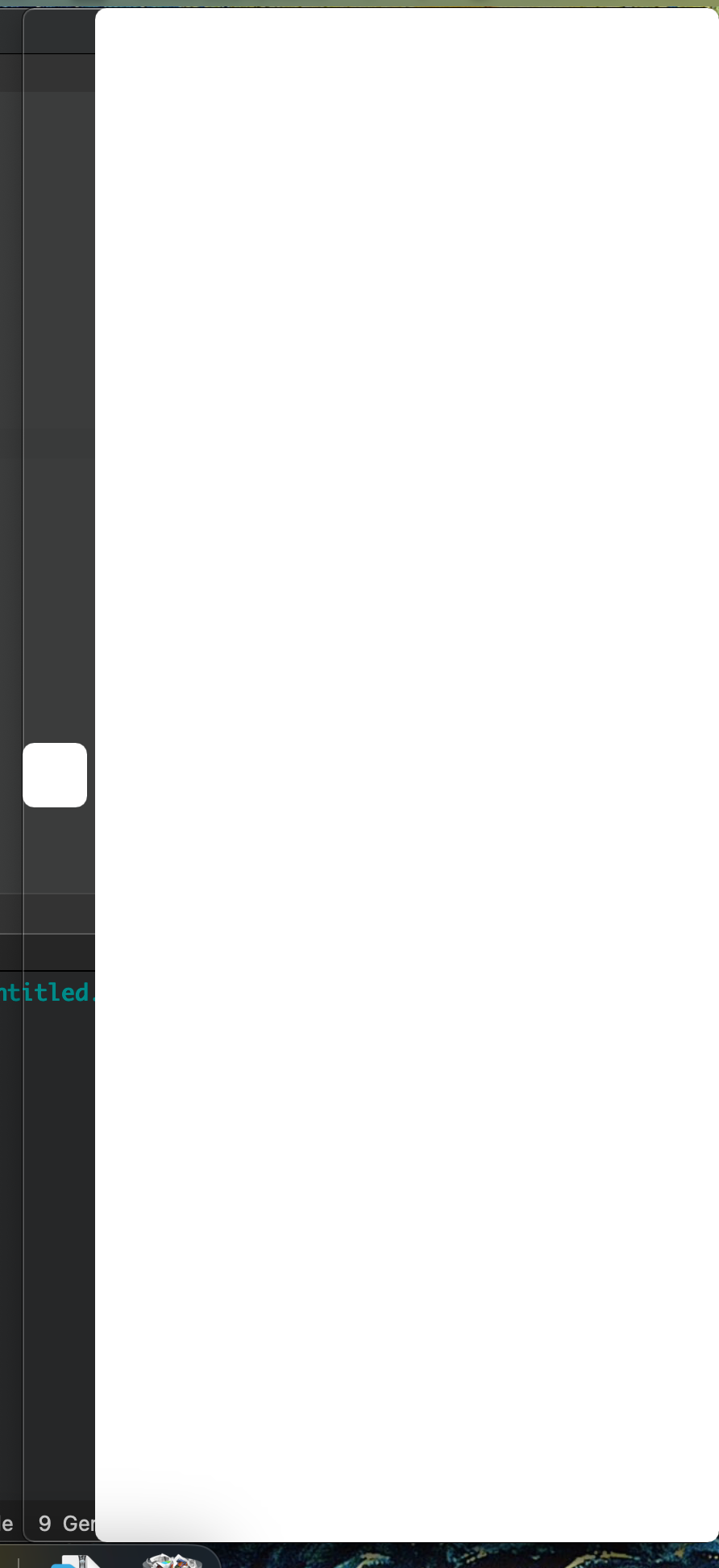
Has someone even any tips on what can it be? If you set mainView.visible = false in "stick" functions you'll see that this is some kind of silhouettes of both rectangles. But what is it and how to get rid of them?
Any help is appreciated.