How to insert a Dialog into the Main window
-
Hello,
I am an absolute beginner with Qt. So far I could build up a small program which does some stuff within the main window. Now I would like to extend it and I prepared my QHLayout (in my main window) to have enough space for more Widgets/Buttons/etc.
I created another dialog (.ui-file) and added all Widgets, Buttons etc. that I need to it. In future I would like have several different dialogs and forms, each managed in its own ui-file and being able to load one of them into my main window where I have prepared my Layout.I know that my new Dialog is within the Ui-namespace which is created by Qt-Wizard but I don't see a way to add that "class" into my layout since the layout doesn't have something like setupUi() or addUi(). I found addWidget() and other add-methods but none could help me out.
I know that I could manually add all widgets one by one within the source-code but I don't think that this is the way to do it, especially when it comes to dozens of elements needed to be added and positioned correctly. Can anyone help me and explain the appropriate way to do this task using ui-files or anything else with the Qt-Designer?
Please excuse my engrish. English is not my native language. Thanking you in anticipation.
Charmaman
-
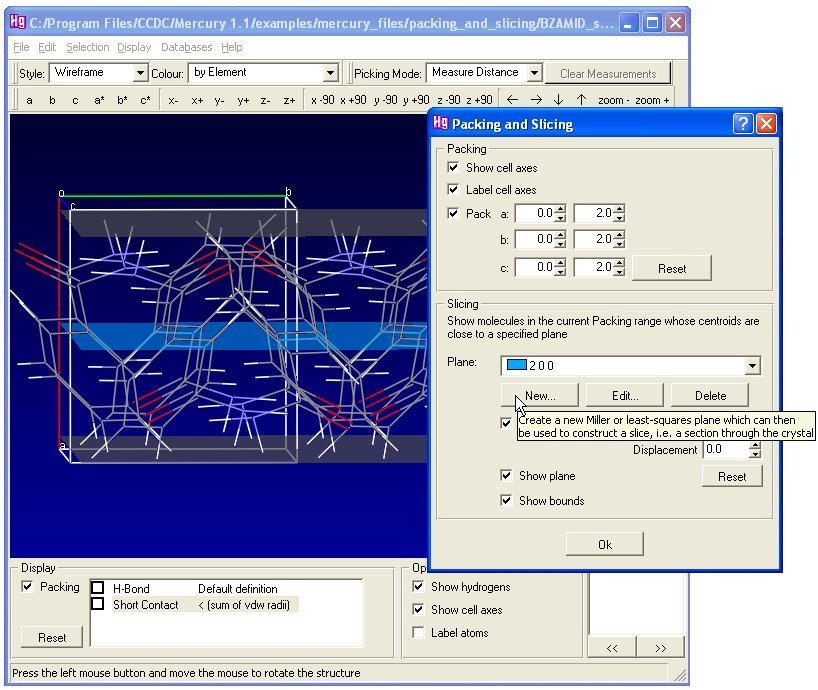
You can't lay dialog (QDialog) into the window (QMainWindow), but you can show the dialog "above" the window (in modal or in non-modal way).
An example:
http://www.iucr.org/__data/assets/image/0009/6597/Image31.jpg
In the back you see the window, in the front you see the dialog. -
Thank you for your fast reply.
I am surprised that this is not possible. Is there no other way to exchange parts of the main window?
I mean, it is nothing very special to, for example, click on a tool and the buttons change within the current window and when clicking on the second button to have other widgets so on. I think this is the most common case of regular GUI-Interactions which almost all GUI-programs offer. I can't believe that Qt doesn't support that at all. -
Use QWidget, not QDialog, and it will work.
-
[quote author="sierdzio" date="1328194630"]Use QWidget, not QDialog, and it will work.[/quote]
Okay. How can I create/edit a Widget with the Qt-Creator?!
I only know how to create an class with ui-file which is automatically set to Ui-namespace.
-
After a while... I have found the correct solution by myself.
You have to use QStakedWidget and add pages to it. On every page you can place all your widgets and switch the appopriate page with setCurrentIndex().
This thread can be marked as solved! Thanks