Skip to content
  • Categories
  • Recent
  • Tags
  • Popular
  • Users
  • Groups
  • Search
  • Get Qt Extensions
  • Unsolved
Collapse
Brand Logo
  1. Home
  2. Qt Development
  3. General and Desktop
  4. Two screens and 125% windows scale
Forum Updated to NodeBB v4.3 + New Features

Two screens and 125% windows scale

Scheduled Pinned Locked Moved Unsolved General and Desktop
1 Posts 1 Posters 235 Views 1 Watching
  • Oldest to Newest
  • Newest to Oldest
  • Most Votes
Reply
  • Reply as topic
Log in to reply
This topic has been deleted. Only users with topic management privileges can see it.
  • ivanicyI Offline
    ivanicyI Offline
    ivanicy
    wrote on last edited by
    #1

    Hello!

    I am using two monitors to develop with Qt. One of this monitors has a 100% scale but the laptop one has 125% scale.

    My application consists in several windows. By default, the windows appears in the first monitor (the 100% one) but, when I try to move it to the other one, the window rescaled itself and doesn't look good. Here is an example:

    48daf31d-6c95-4e6d-9c1b-b1652808206d-image.png
    This is when I execute the program.

    And now, when I move the window to the other monitor with 125% scale:
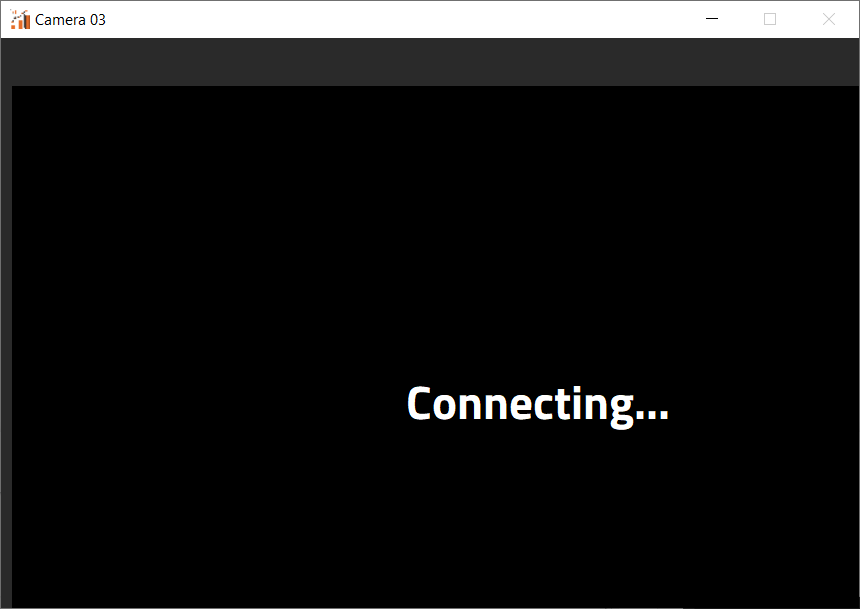
    e6ffff6b-986b-4de8-a7e4-aaa442403fff-image.png

    Then, I return the window to its original monitor:
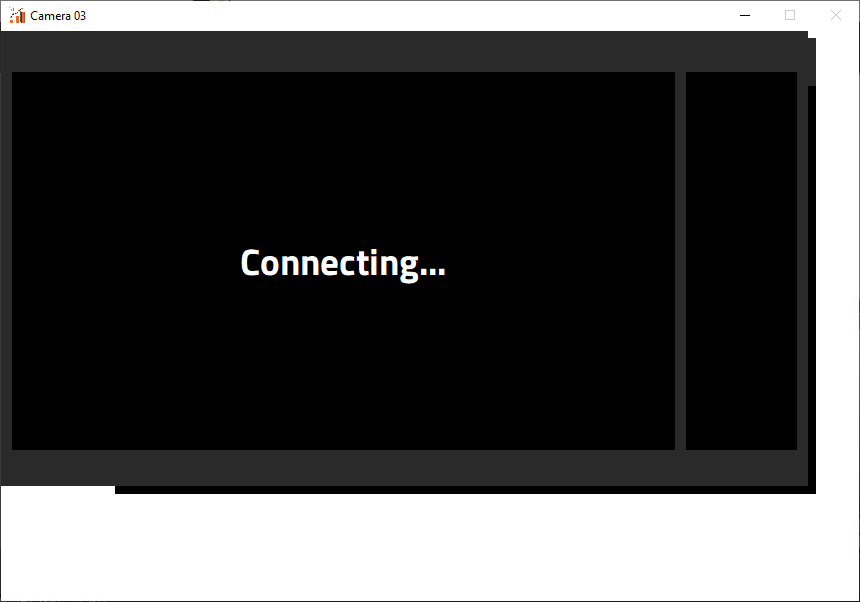
    d814a7c1-a784-4ad7-a673-8f5e7a0f14a0-image.png

    Does anyone know how to fix it?

    Thank you very much guys

    1 Reply Last reply
    0

    • Login

    • Login or register to search.
    • First post
      Last post
    0
    • Categories
    • Recent
    • Tags
    • Popular
    • Users
    • Groups
    • Search
    • Get Qt Extensions
    • Unsolved